Search Docs…

Getting Started

Account Setup

Property Management

Tenants Management

Application and Lease

Payments

Expense & Income

Maintenence

Notifications & Alerts

Reports

Security & Privacy

Additional Features

FAQs

Contact & Support

Sign In

Sign In

Learn how to securely log in to access property management tools and important tenant resources.

Icon

1. Begin by selecting 'Login to Portal' to securely access your tenant account in the website.


2. Choose 'Sign in with email' for a quick and convenient login method.
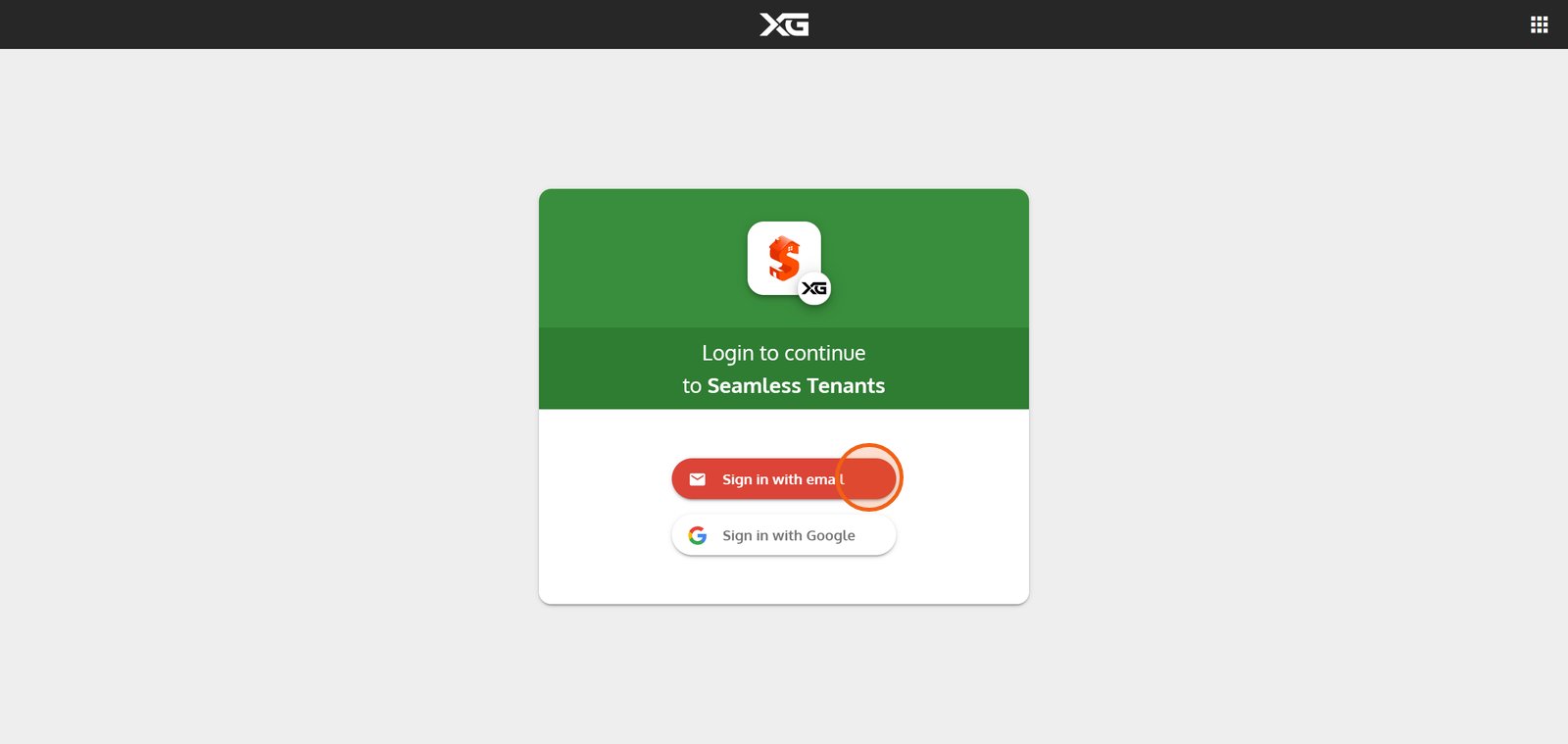


3. After entering your email, click 'NEXT' to move forward in the login process.
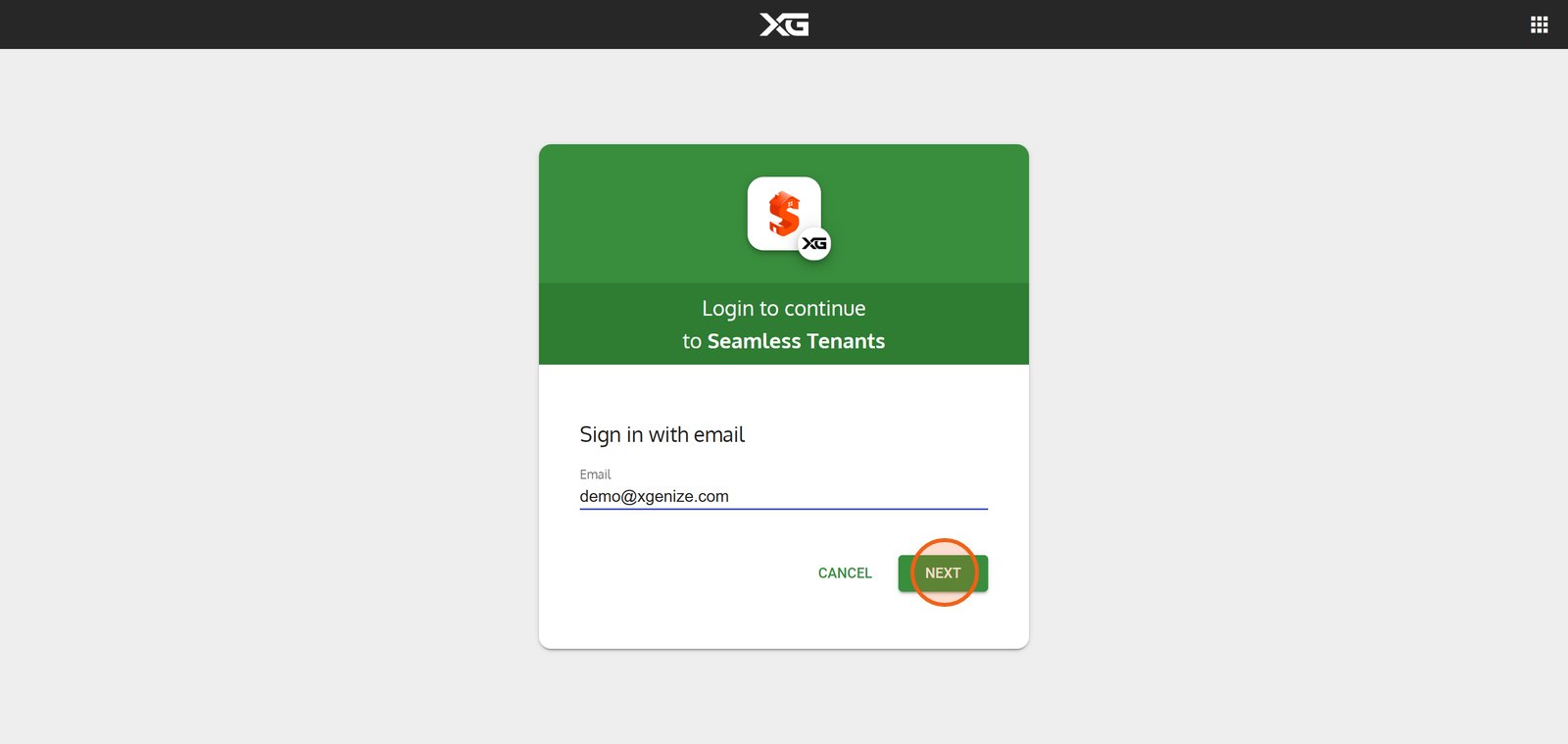


4. Hit 'SIGN IN' to access your personalized Seamless Tenants dashboard
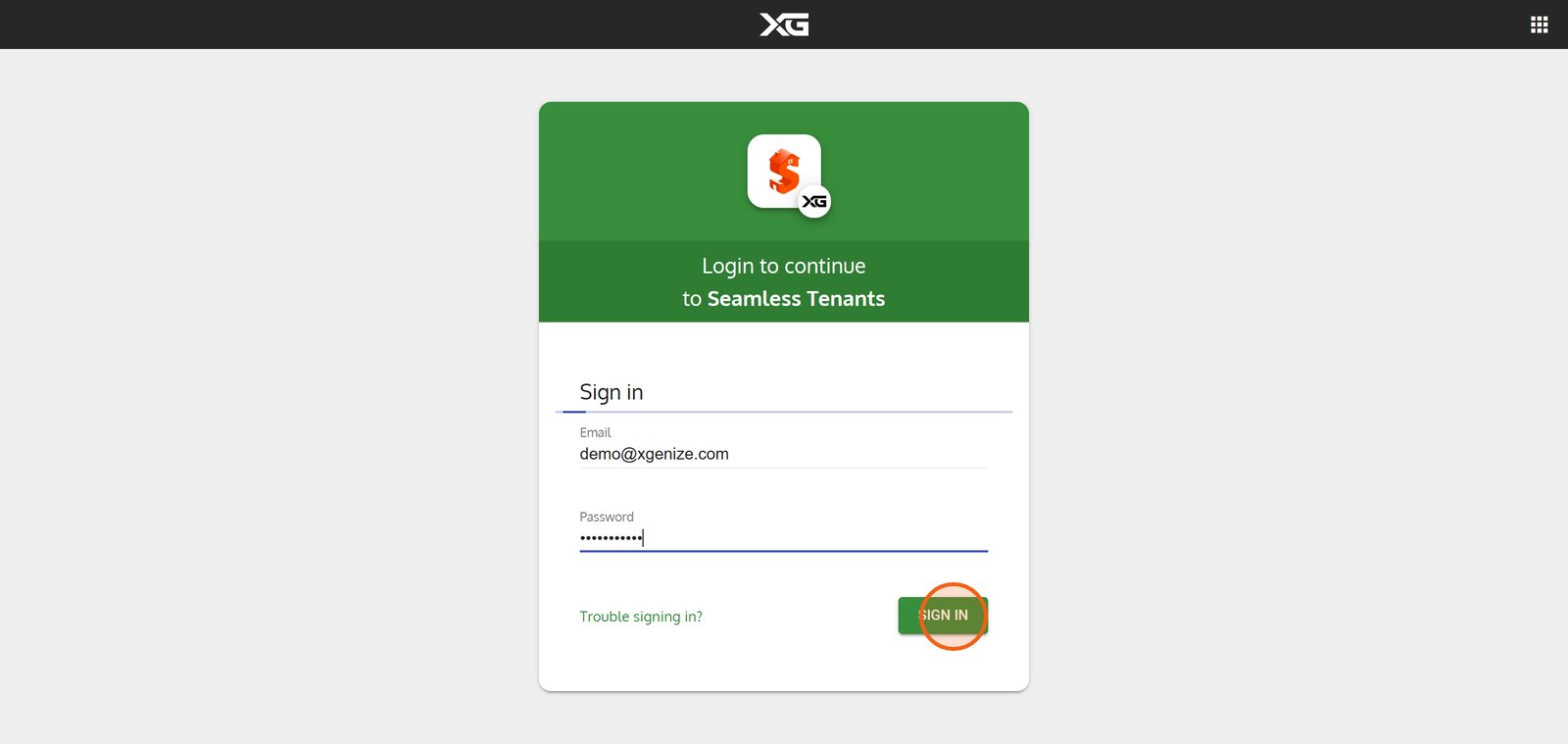


5.
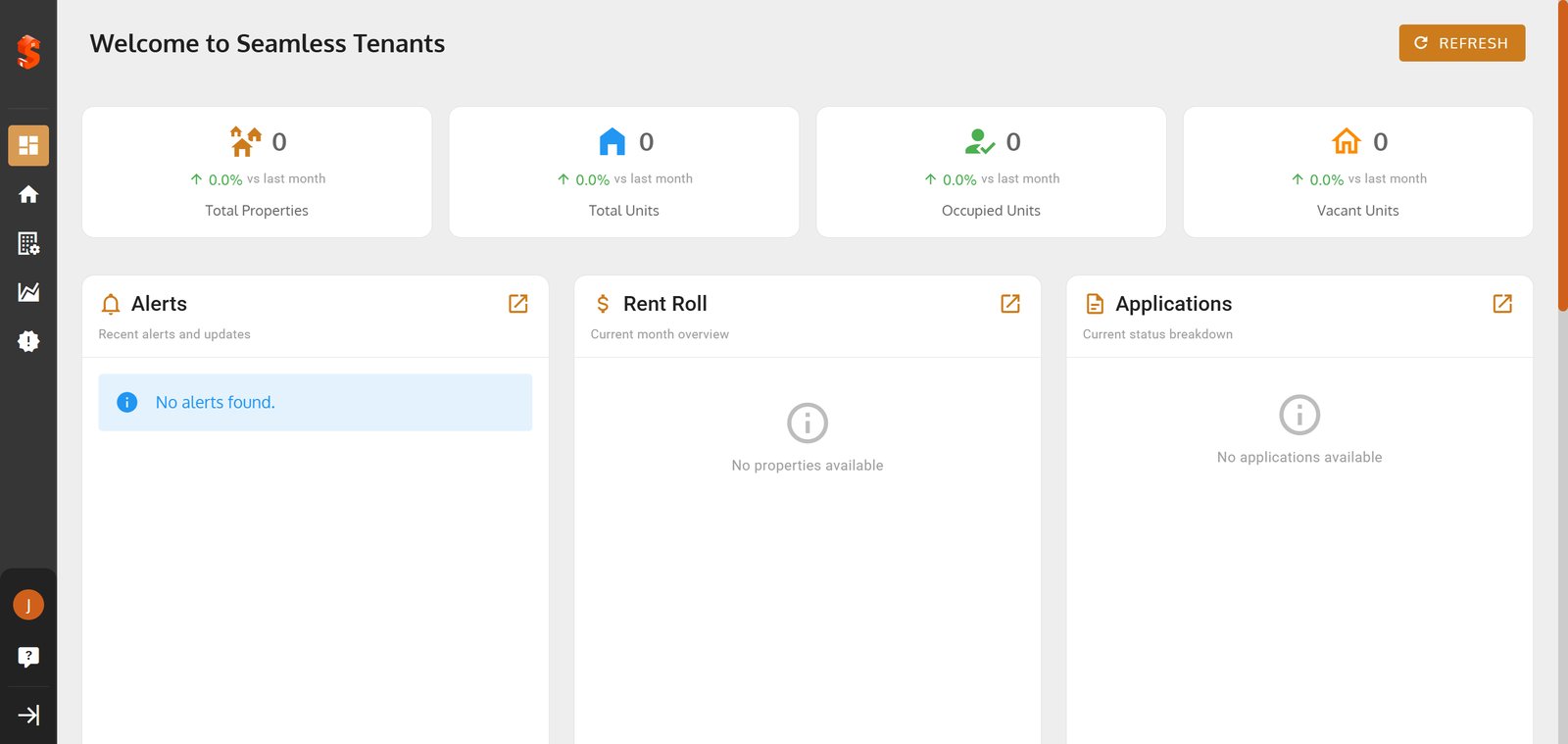

Property added successfully!

You can now add units, tenants, and start managing your operations.

ON THIS PAGE

1. Begin by selecting ‘Login to Portal’ to securely access your tenant account in the website.

2. Choose ‘Sign in with email’ for a quick and convenient login method.

3. After entering your email, click ‘NEXT’ to move forward in the login process.

4. Hit ‘SIGN IN’ to access your personalized Seamless Tenants dashboard

Still need help?

Our support team is ready to assist you.

Contact Support