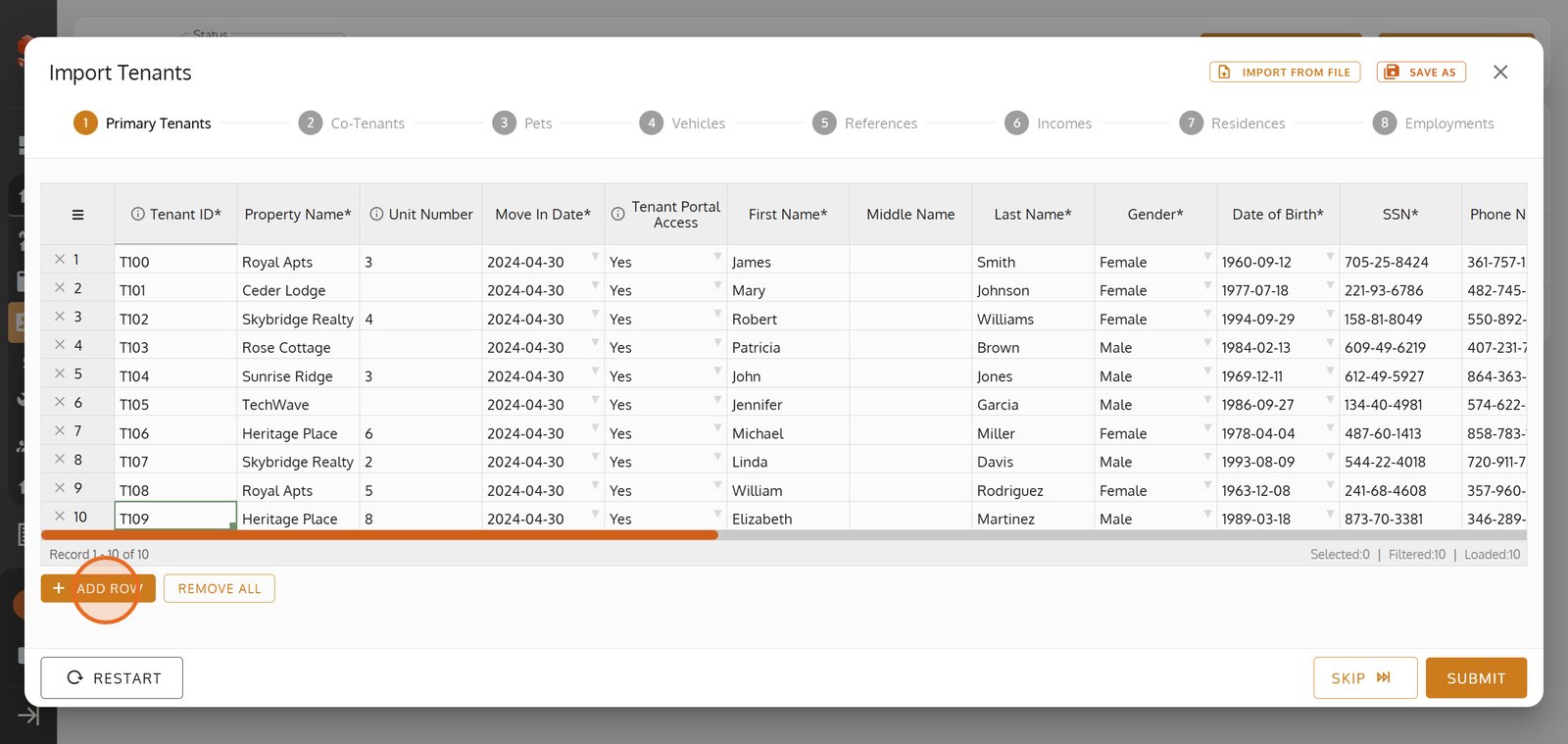
Discover how to upload an Excel file and quickly review or edit tenant information before saving.

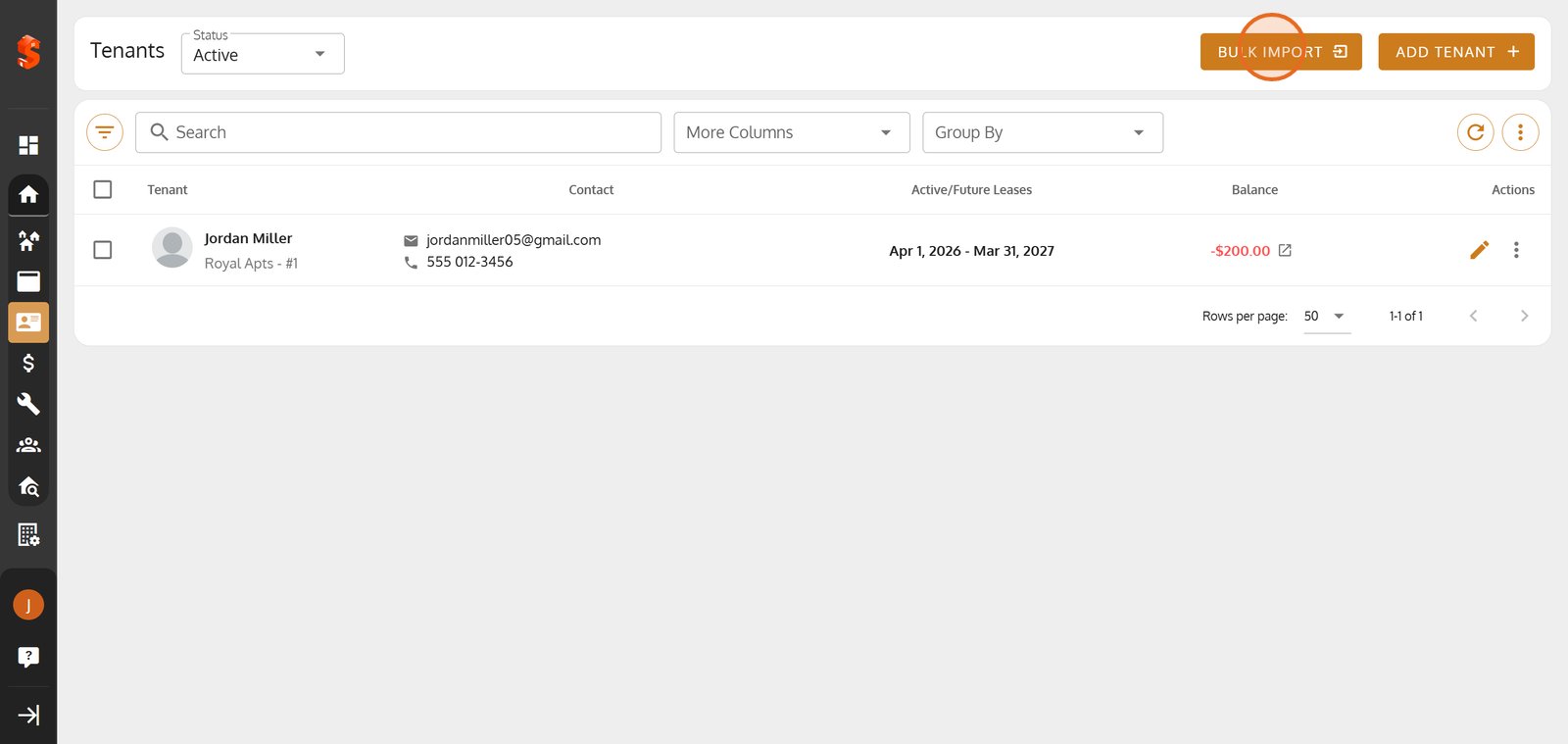
1. Click the 'Bulk Import' button to rapidly add or update many tenants in just a few clicks.
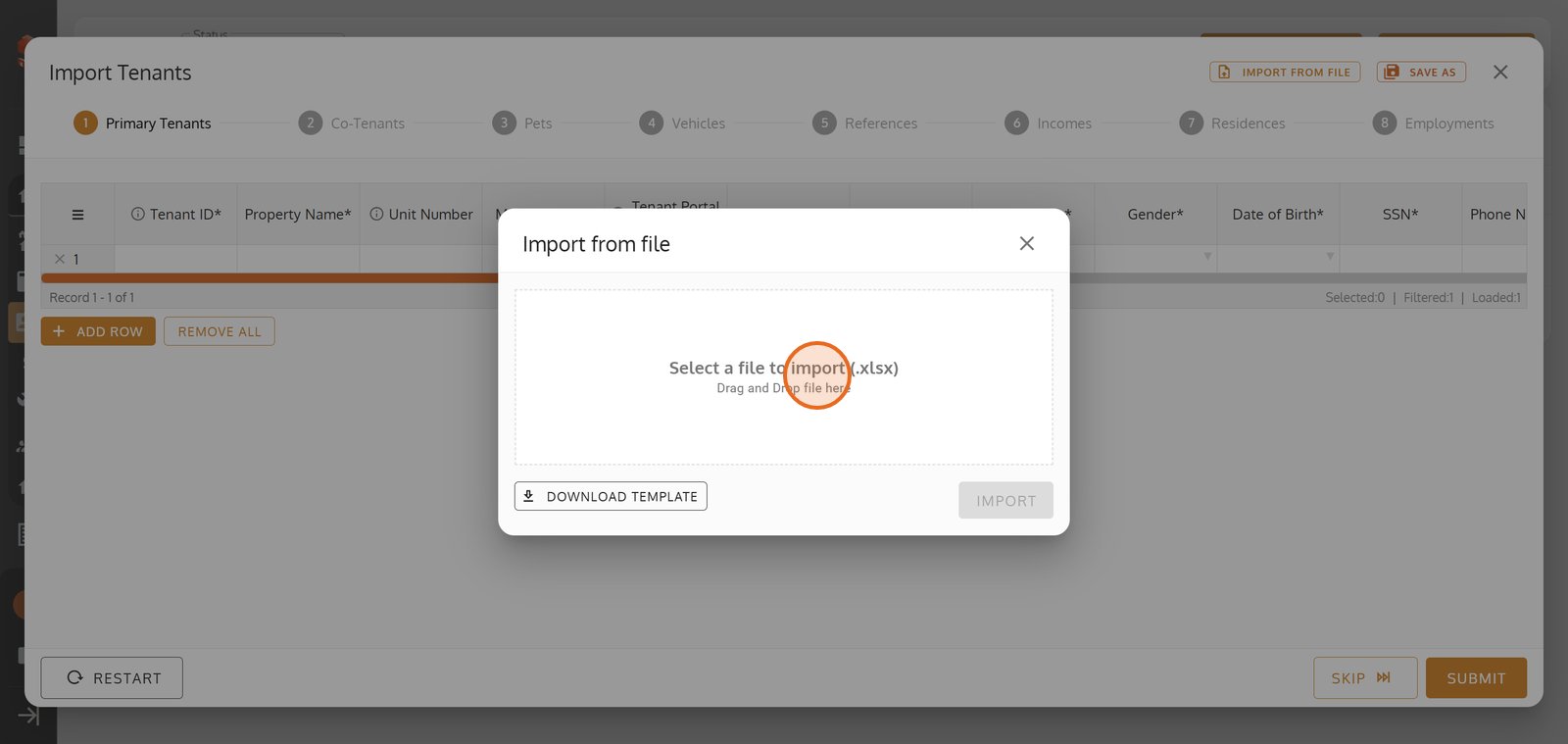
2. Select 'Import from File' to upload your tenant data from a spreadsheet.

3. Choose your Excel file here for a seamless tenant data import -use our template for hassle-free formatting.
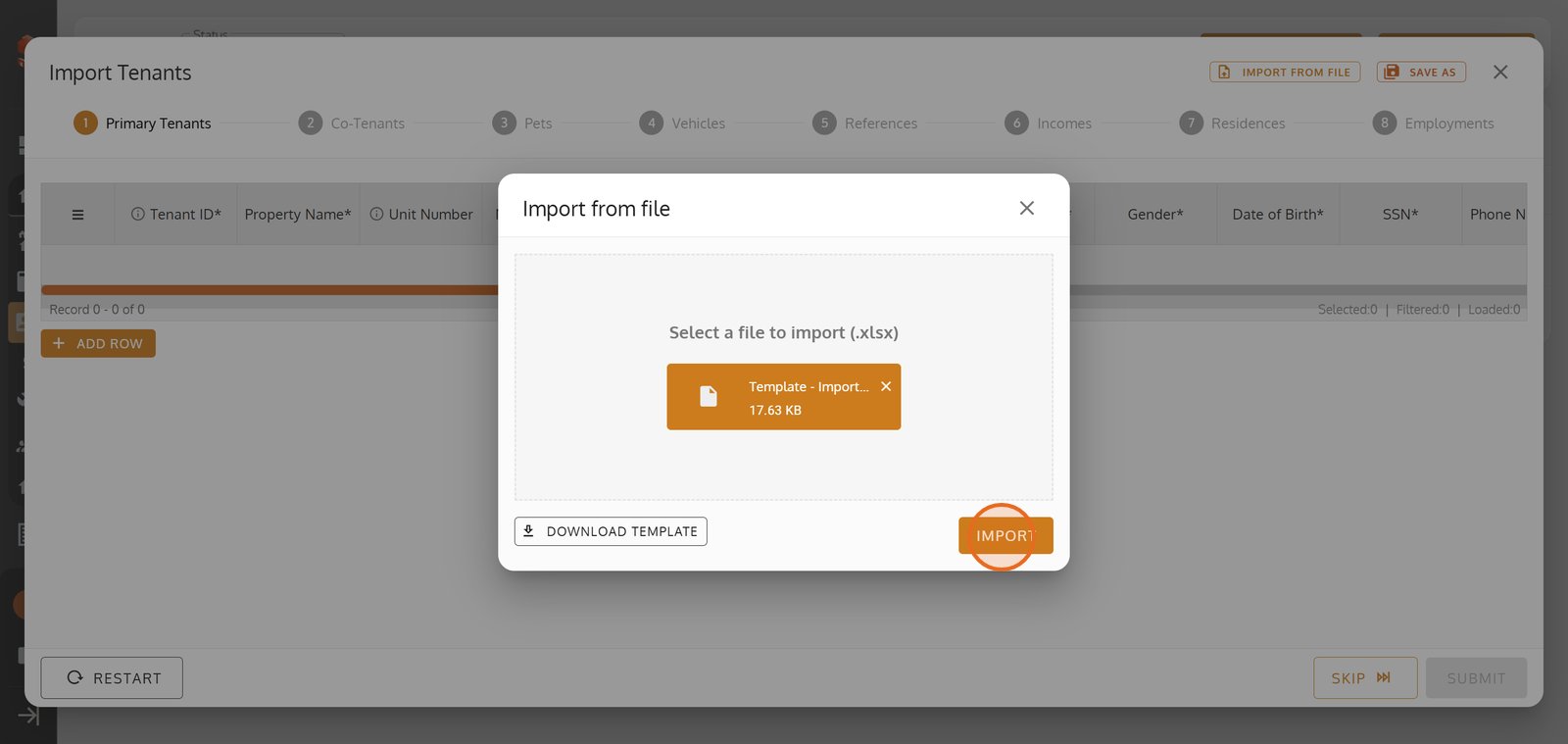
4. Click 'Import' to instantly upload your tenant list and let the system organize your data for you.
5. Add individual tenant entries manually for extra flexibility and accuracy.
6.
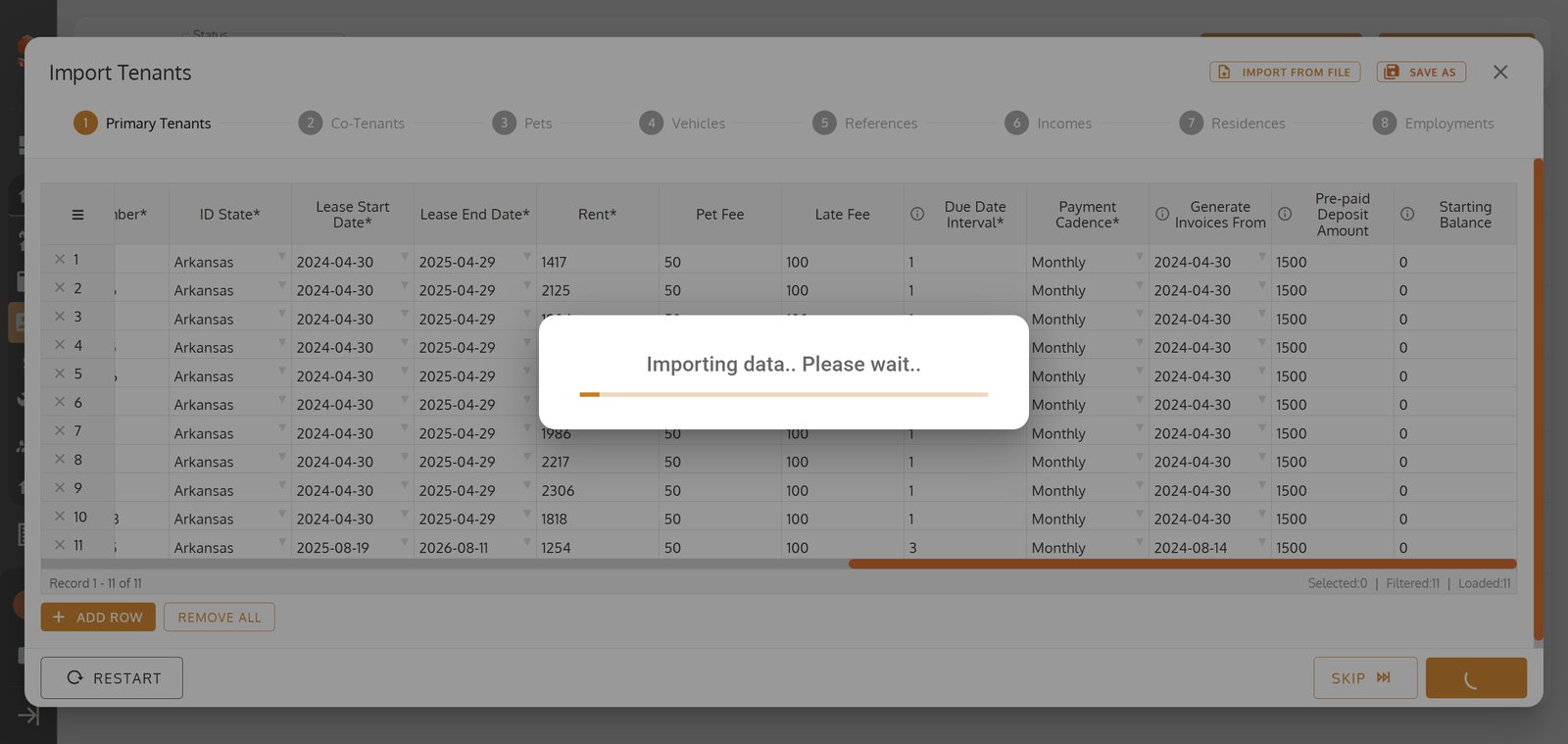
7. Click the filter icon to unlock powerful ways to refine your tenant list.
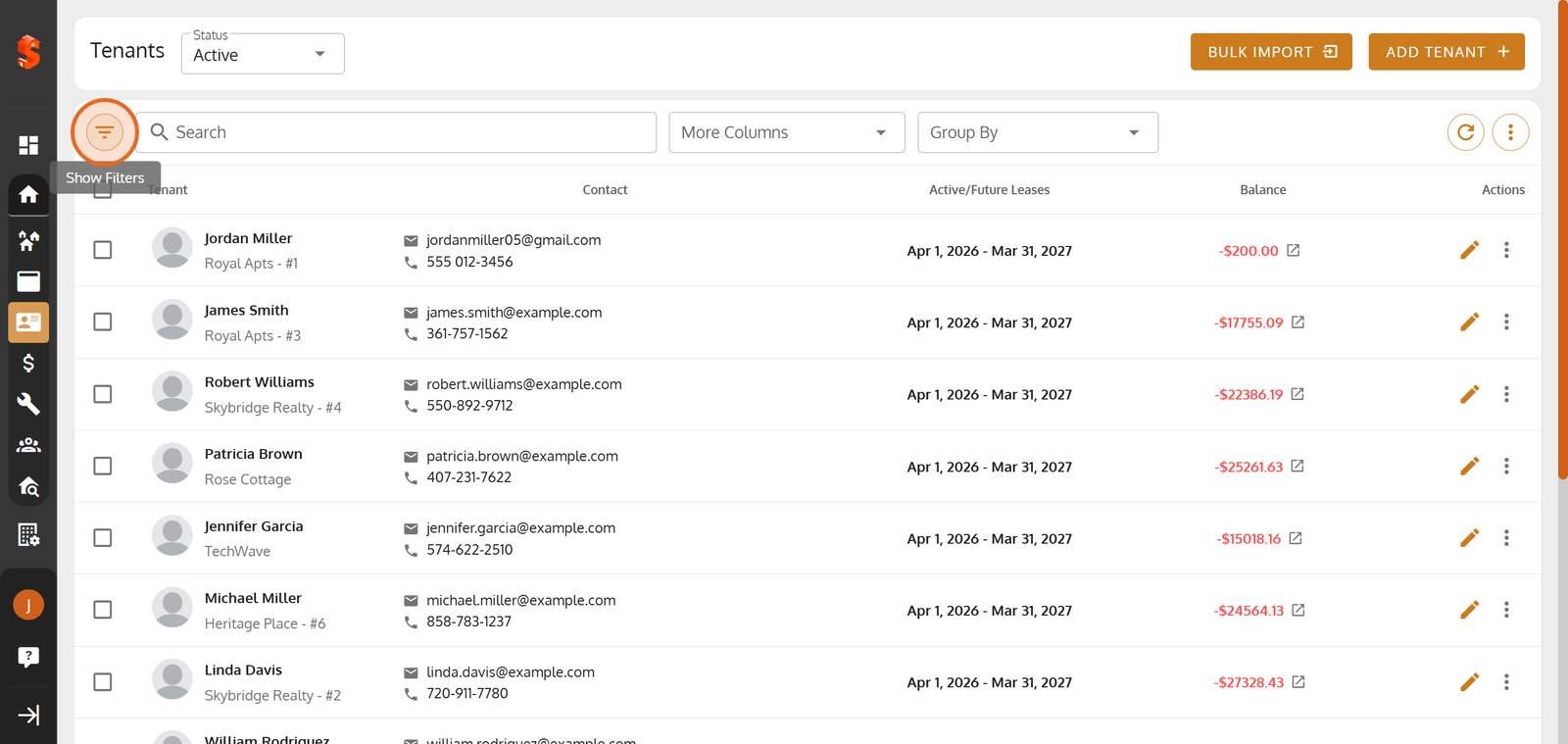
8. Use the search field to quickly pinpoint any tenant in your portfolio.

9. Open the Property filter to target tenants by property location.
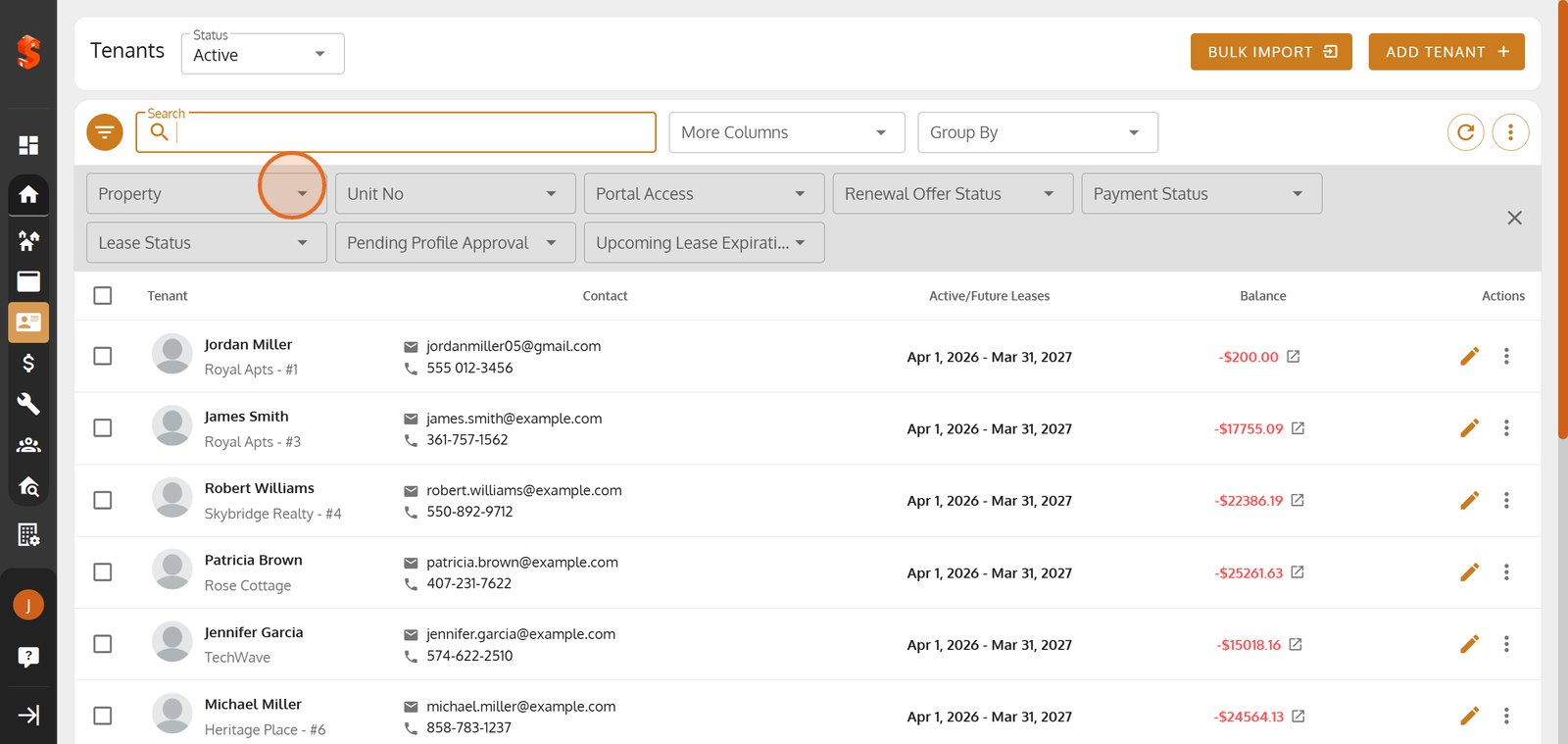
10. Refine your view further by filtering tenants by their specific unit number.
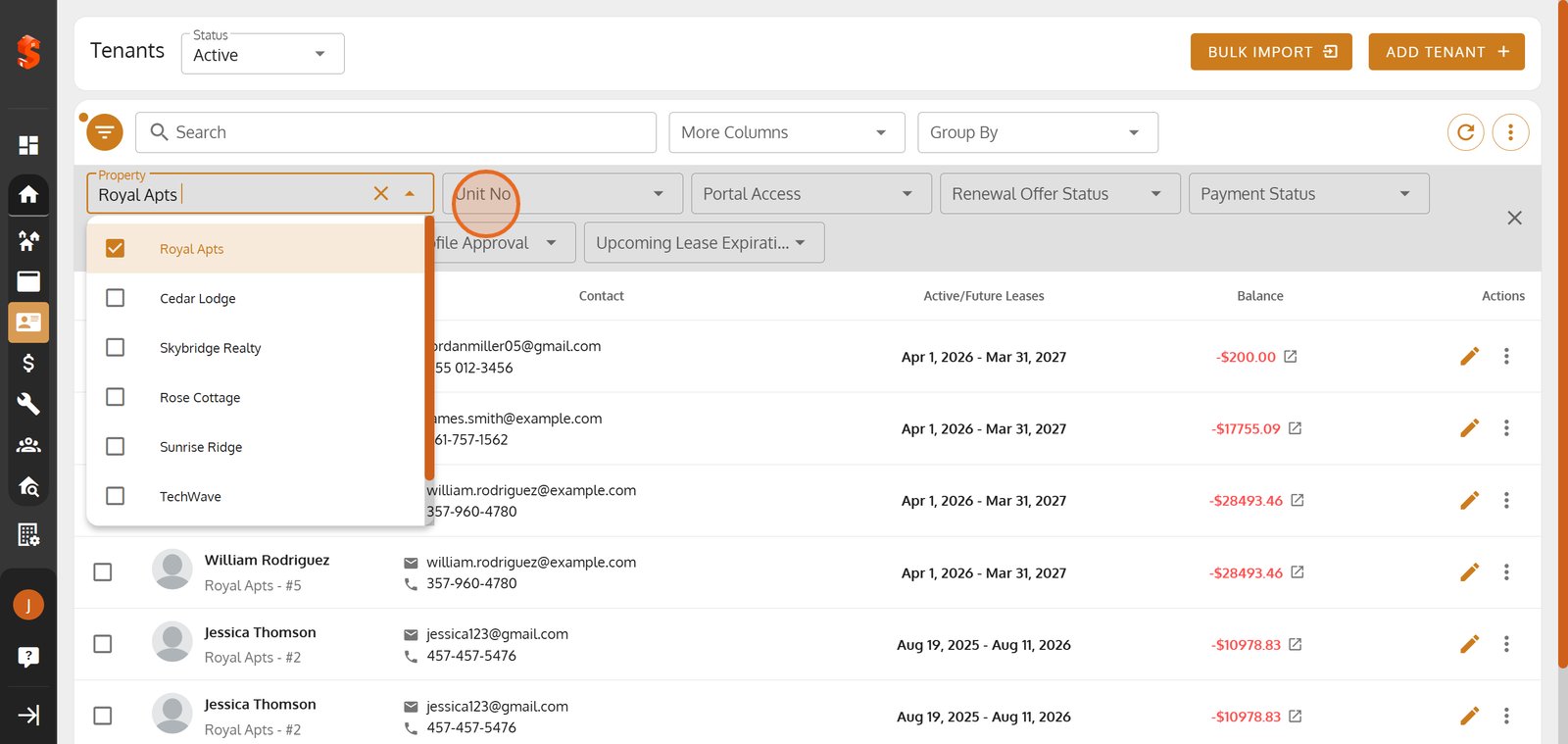
11. Filter by Portal Access to see which tenants can use your online services.
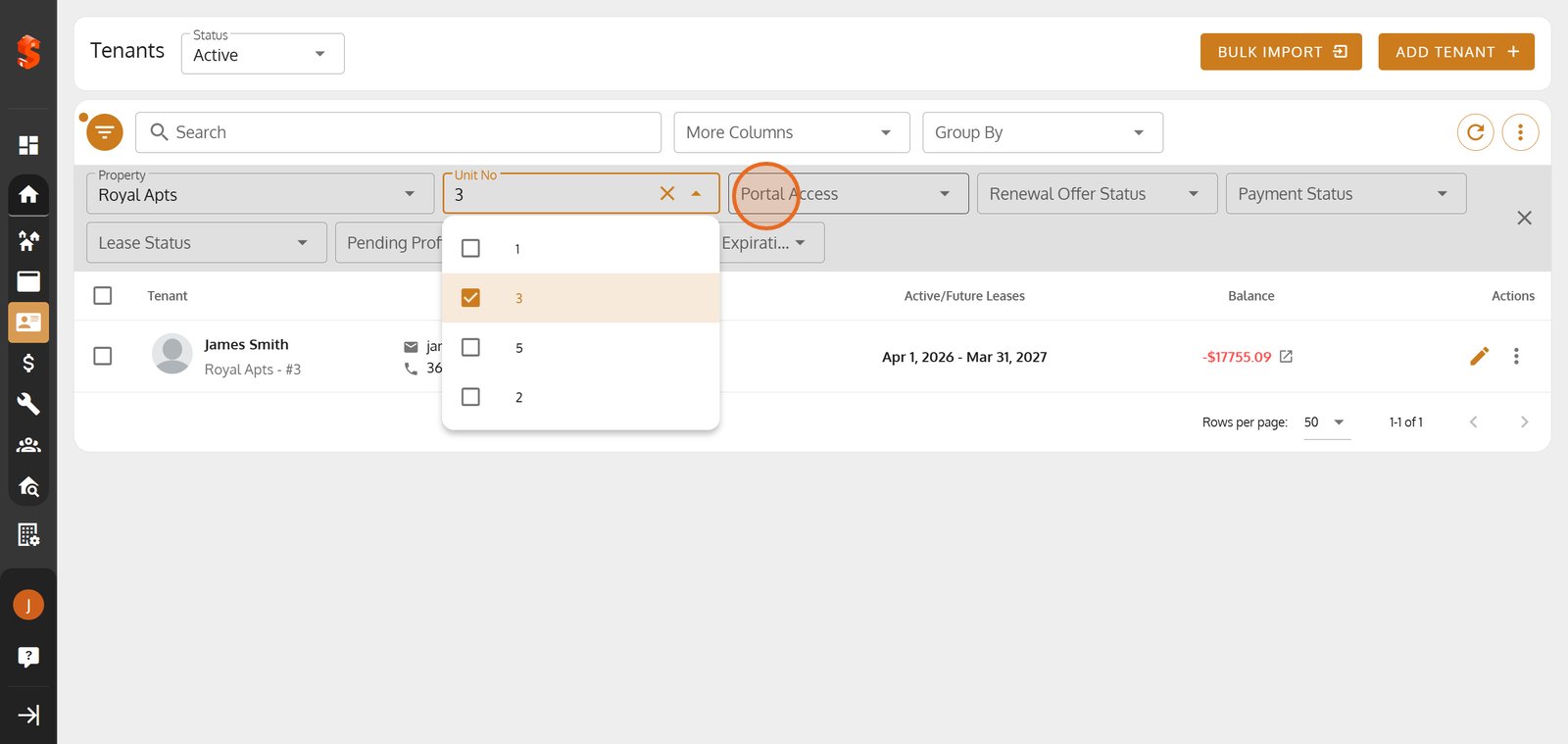
12. Open the Renewal Offer Status filter to manage lease renewal opportunities with precision.
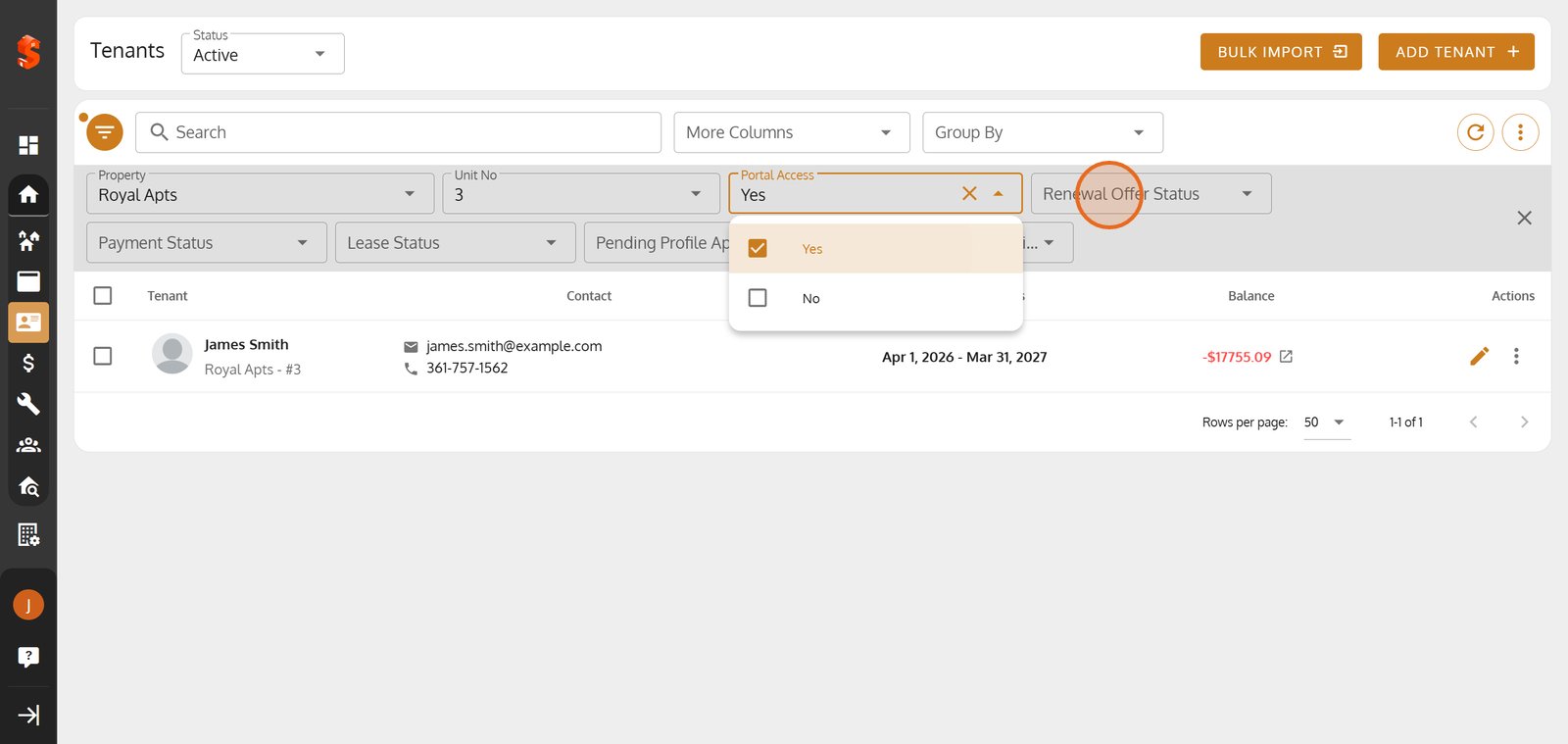
13. Open the Payment Status filter to manage rent collection effortlessly.
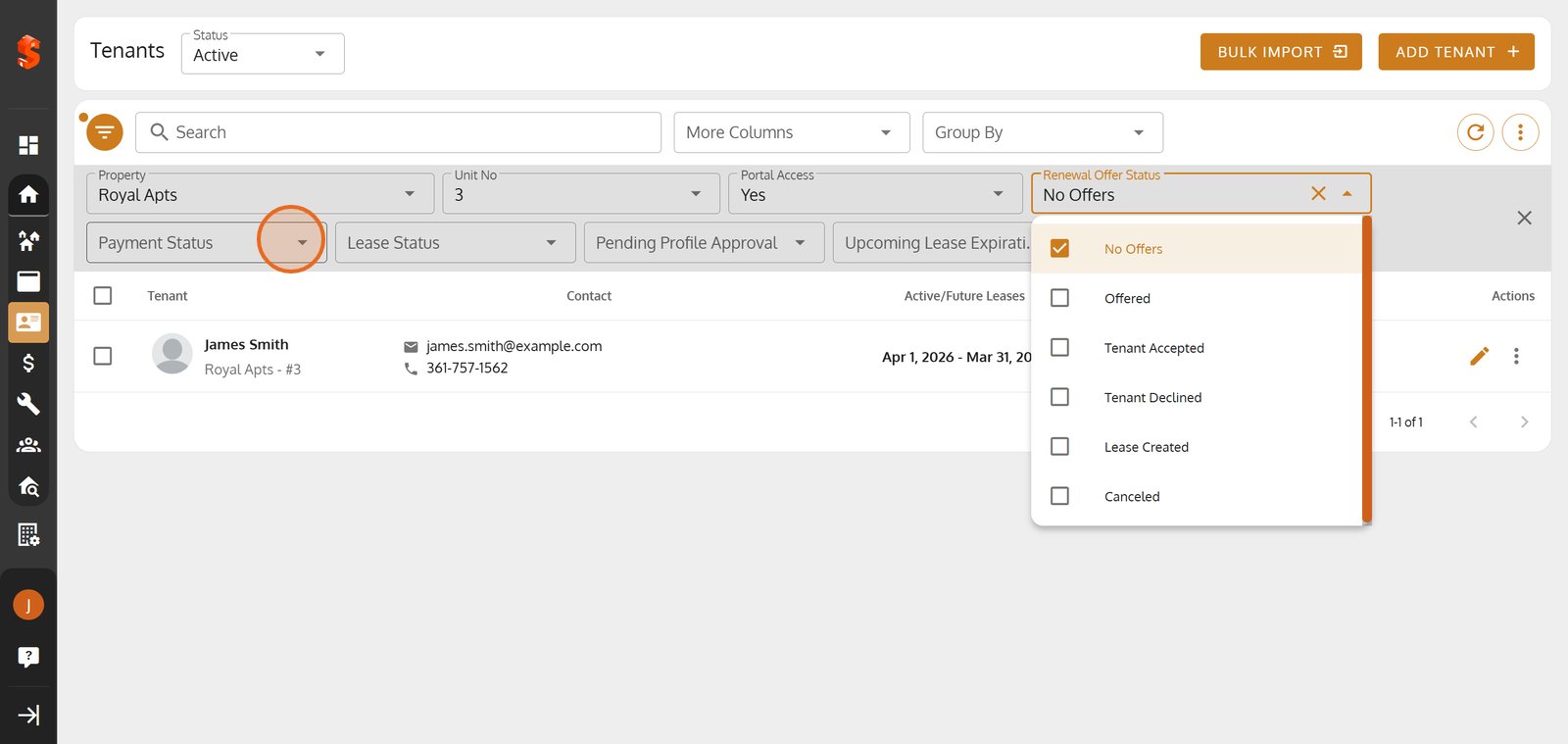
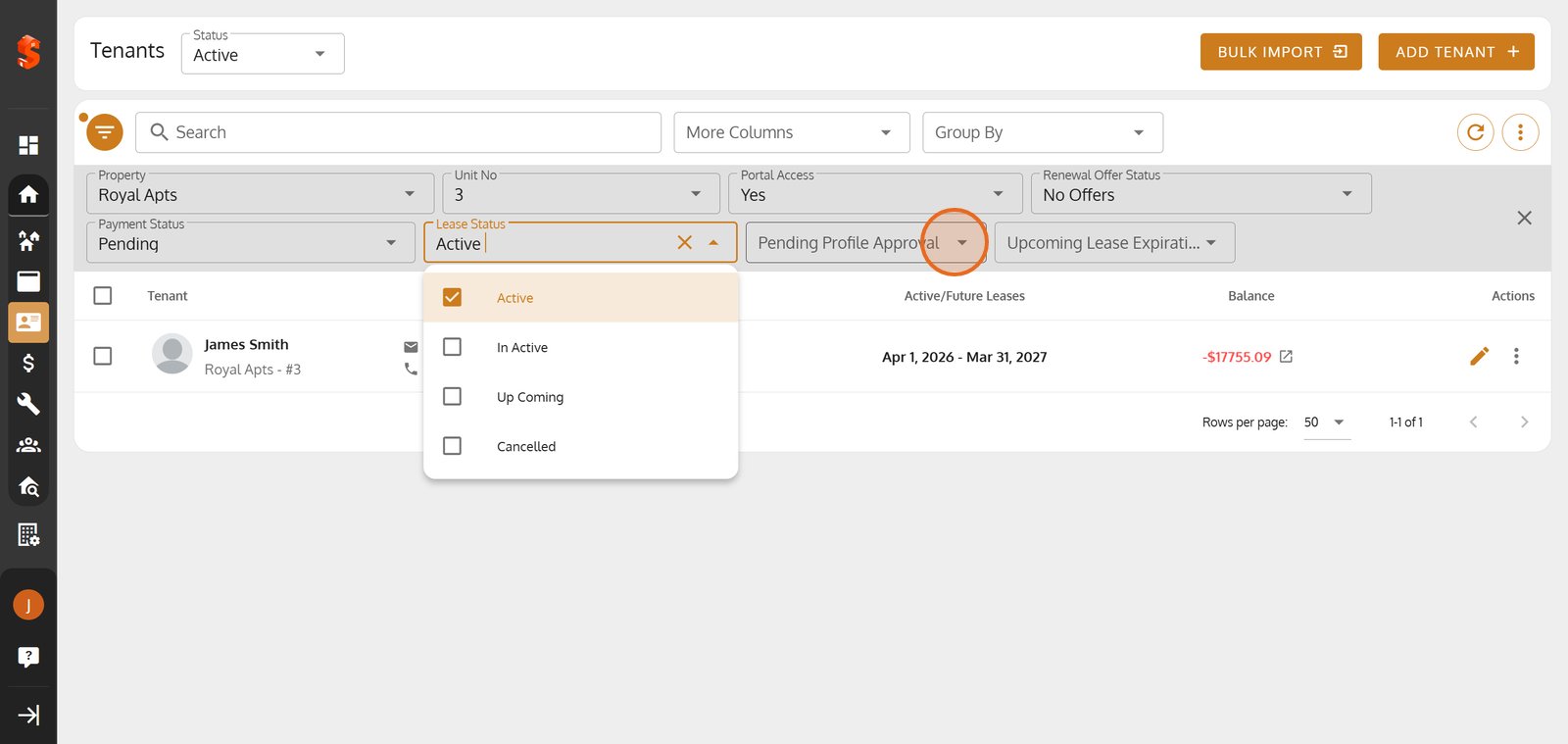
14. Use Lease Status filtering to focus on tenants by their current leasing phase.
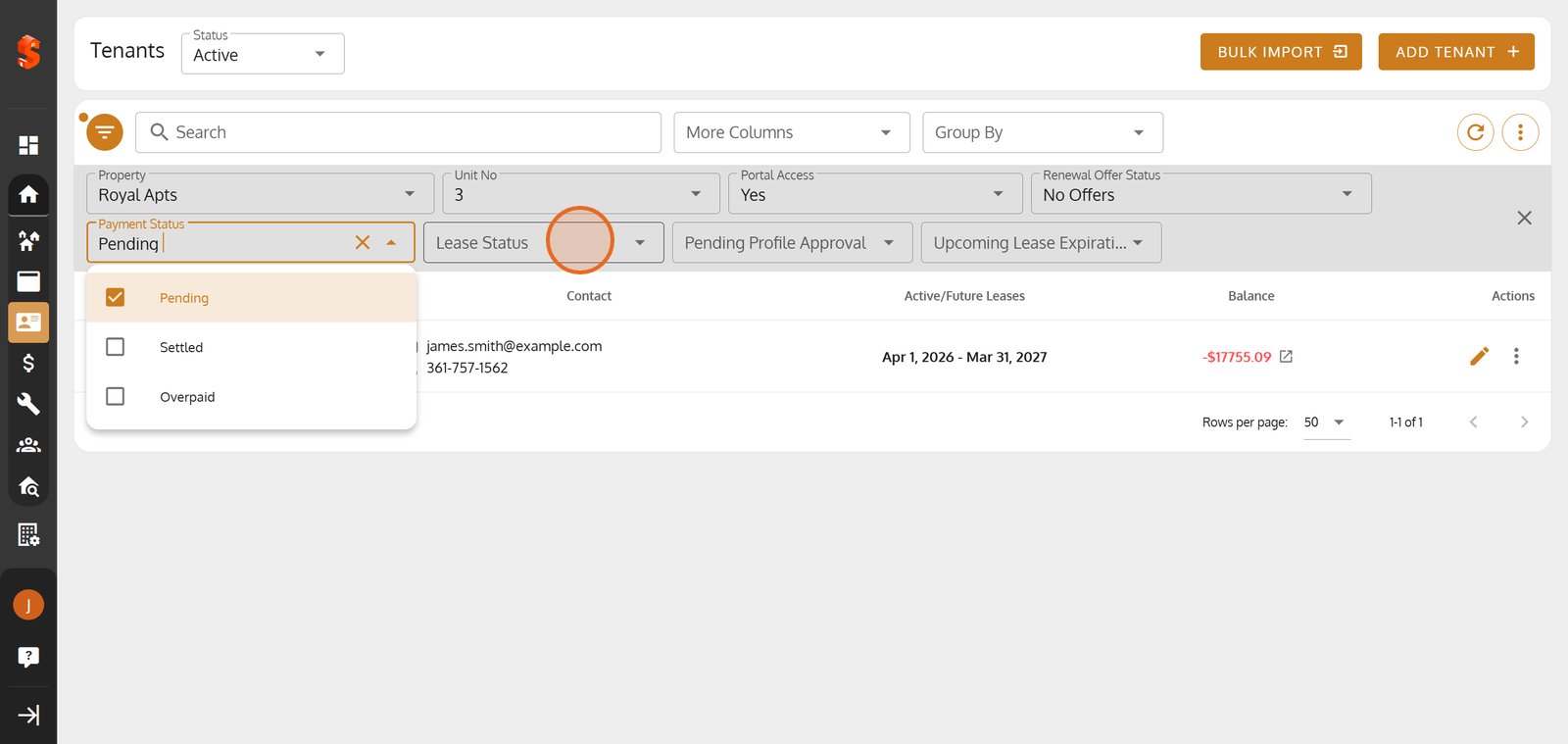
15. Filter by Pending Profile Approval to monitor tenants awaiting onboarding steps.
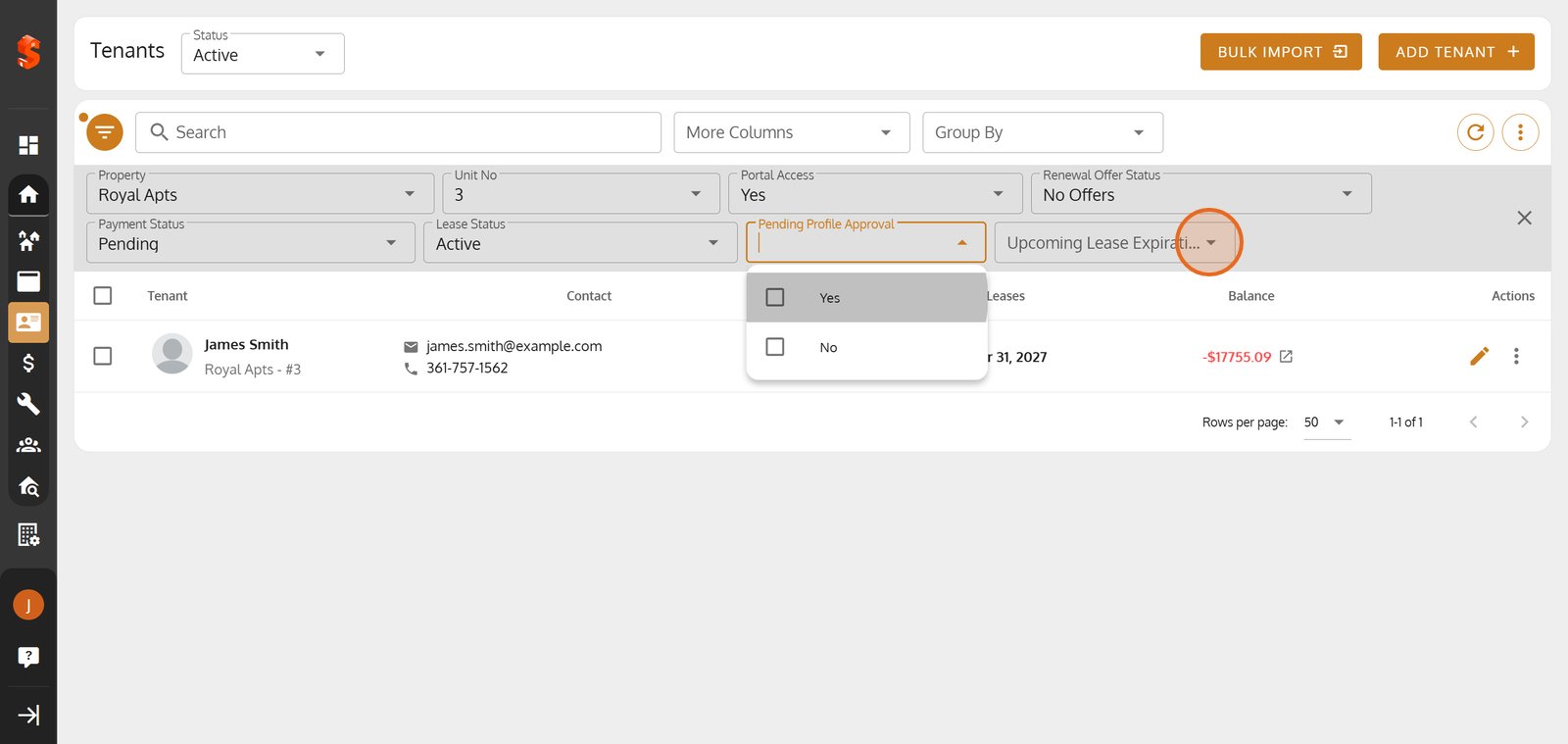
16. Click the 'Upcoming Lease Expiration' filter to proactively plan tenant communications.
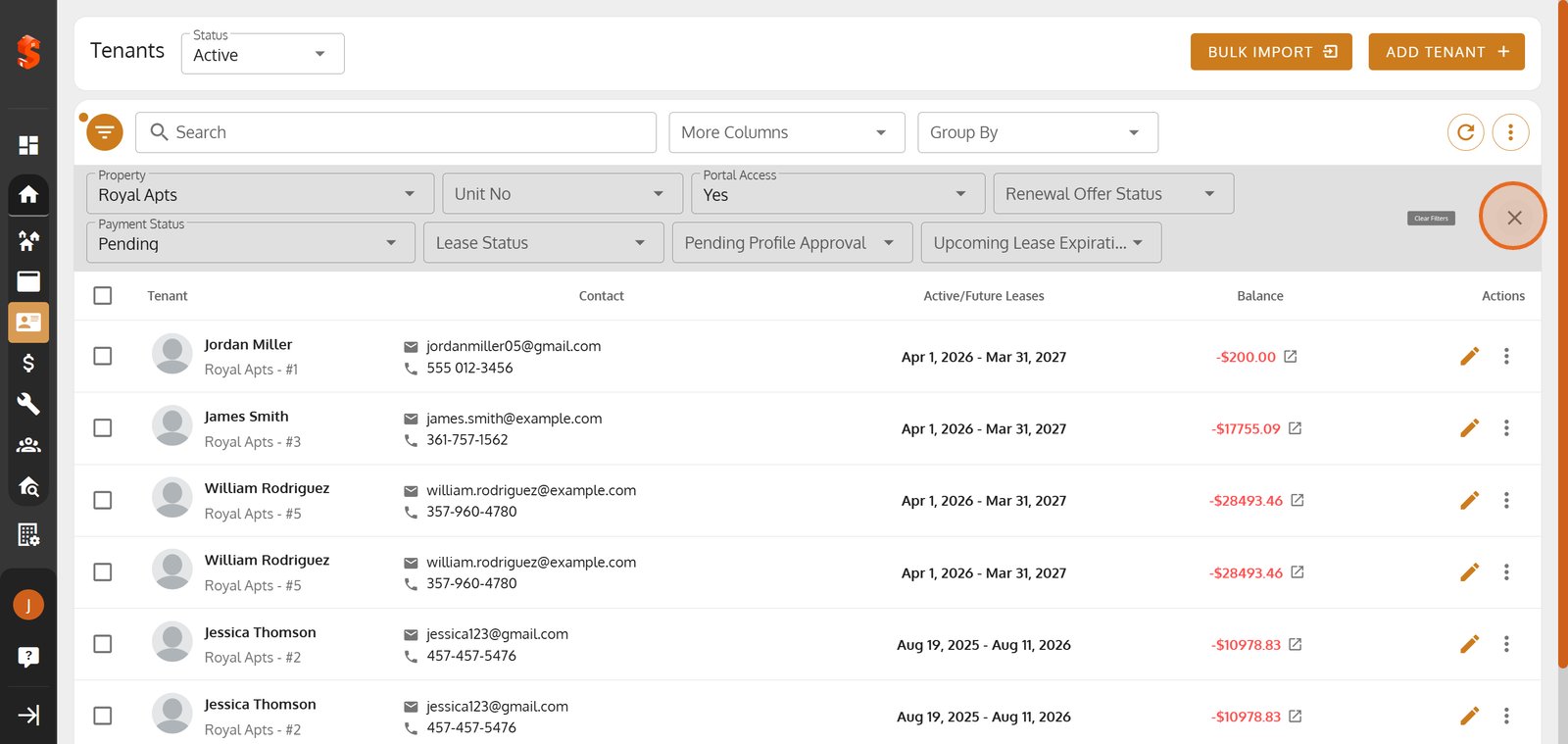
17. Click Close Filter Panel to return to the full tenant list.
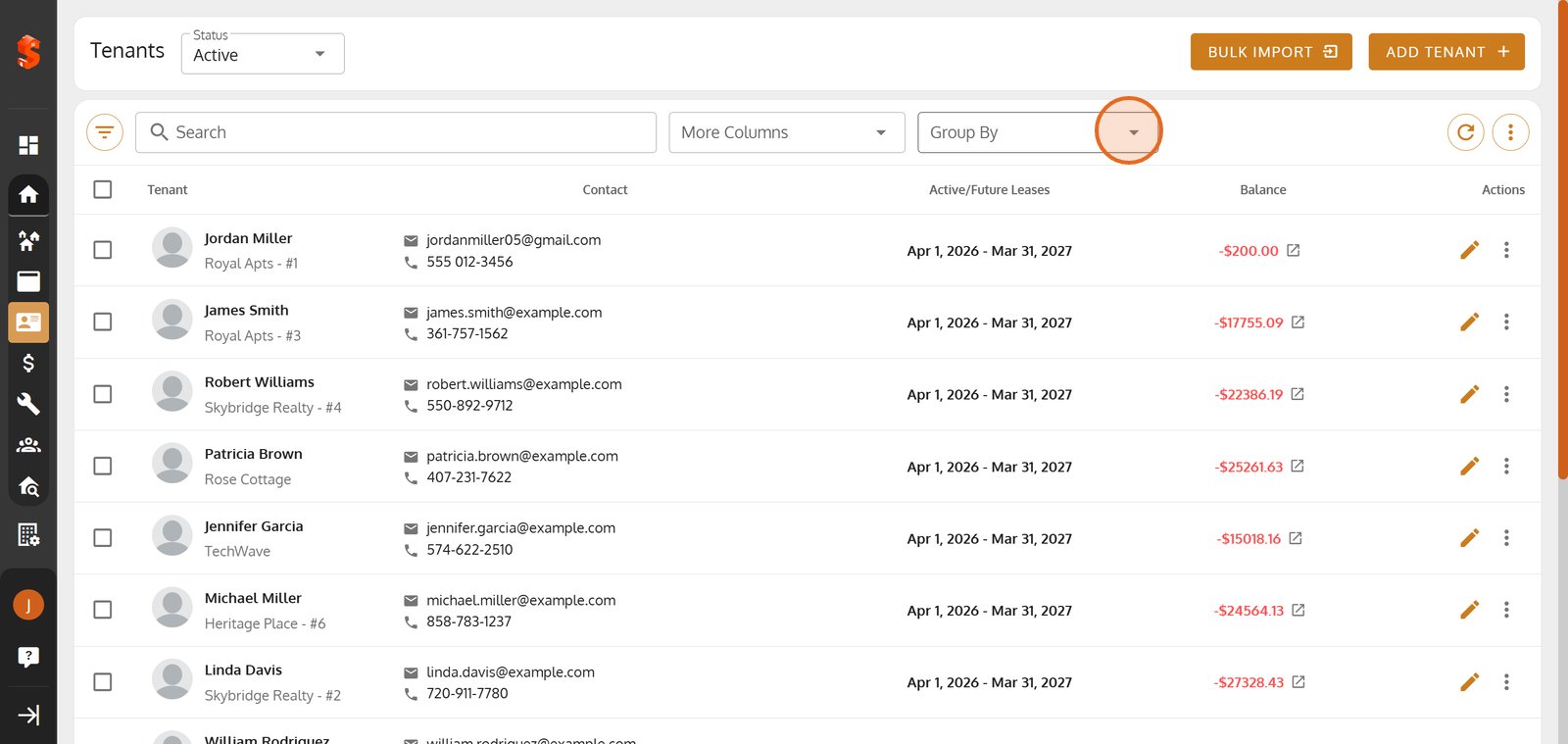
18. Click Group By to organize the tenant list by your selected criteria.
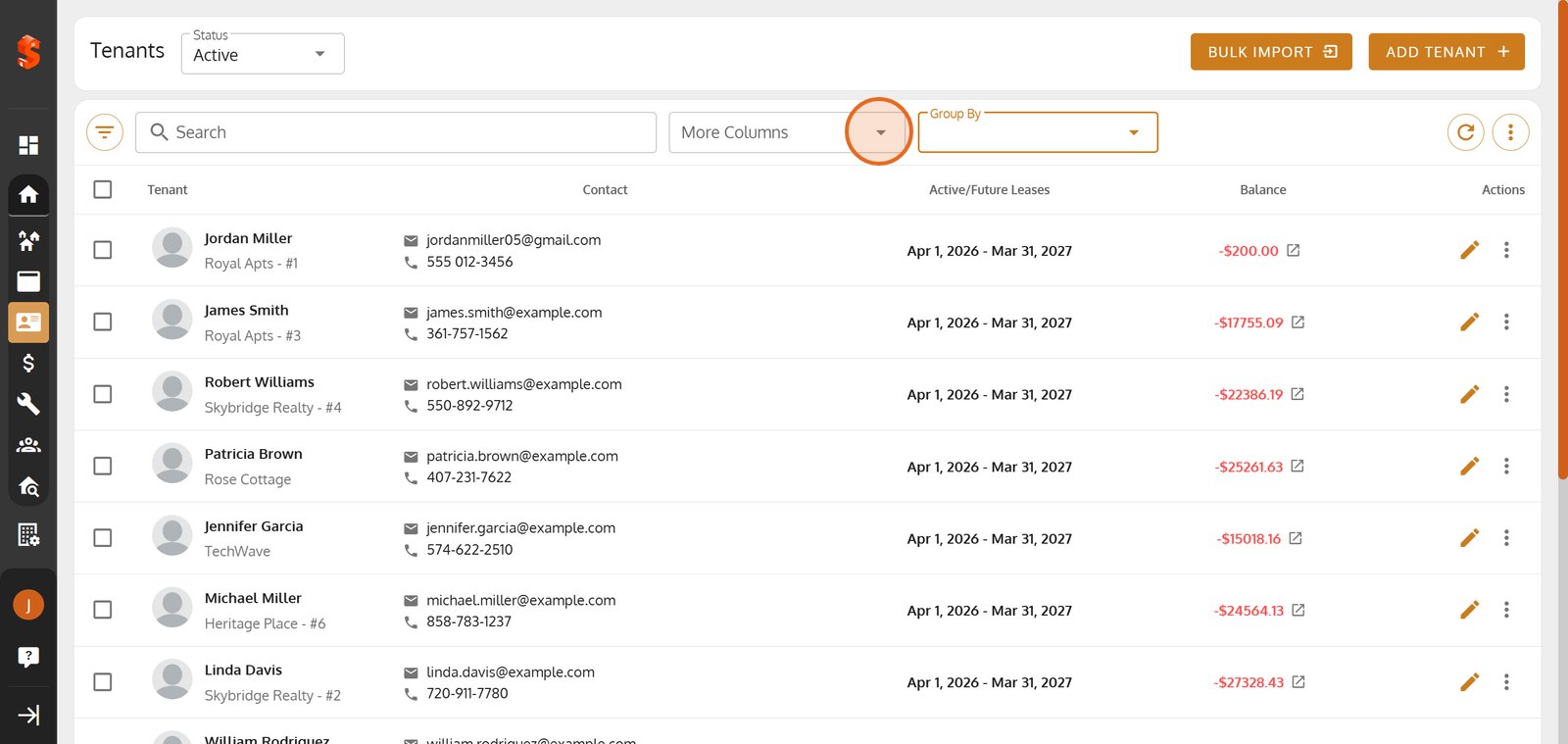
19. Click More Columns to reveal additional fields for your tenant import.
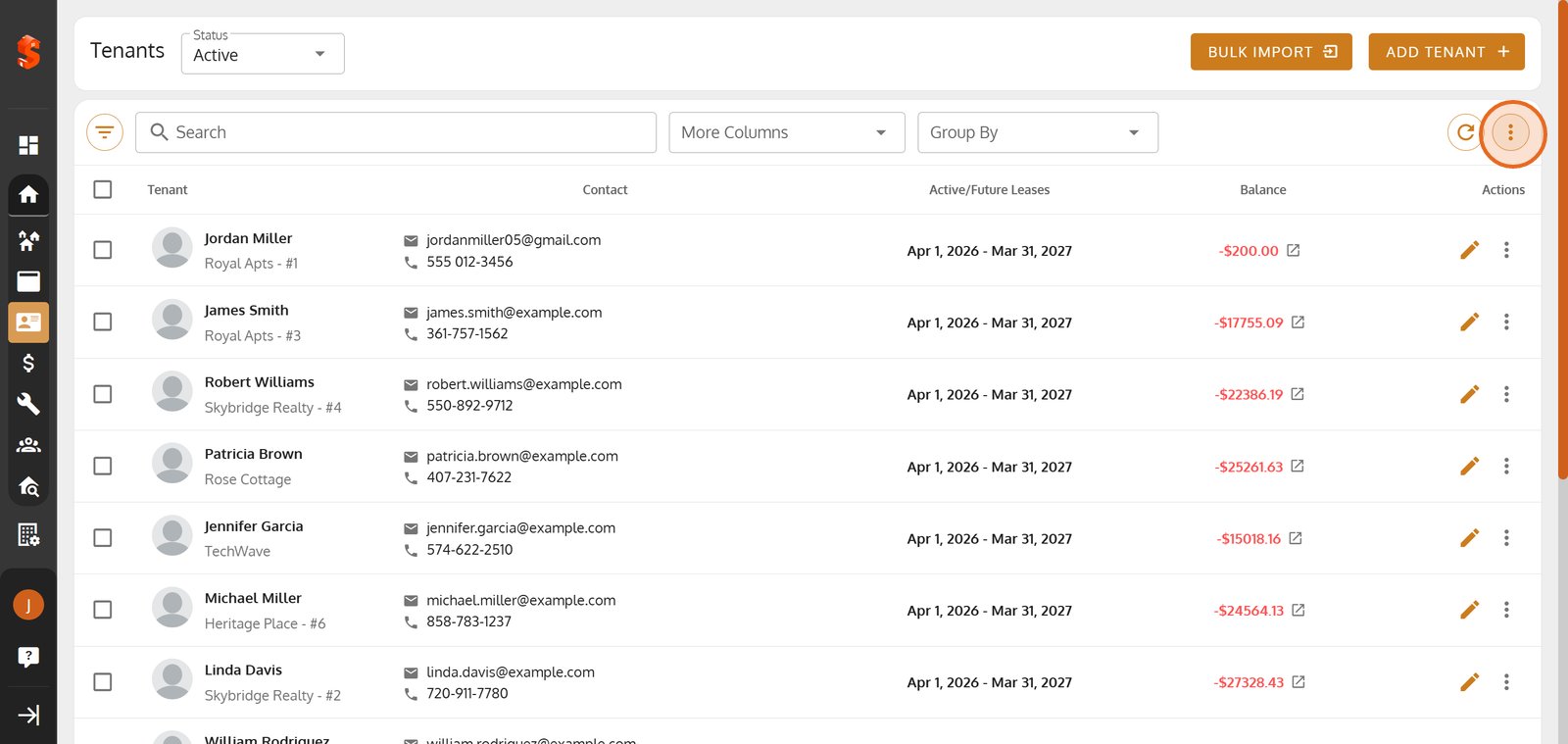
20. Click More Icon to export tenant data.
21. Click PDF or CSV to choose the format for downloading your tenant list.
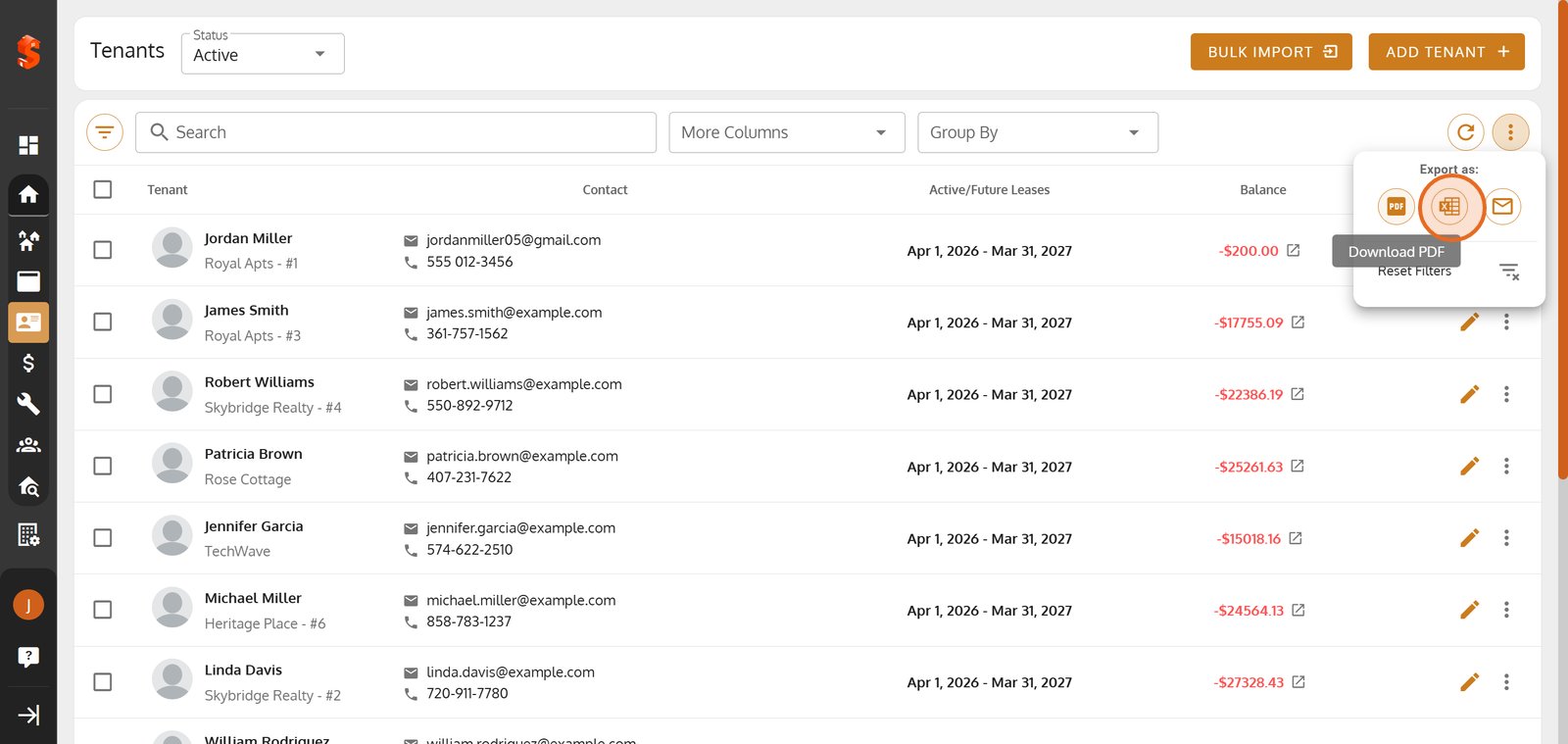
22. Click Send Email to deliver the export.

23.
Property added successfully!
You can now add units, tenants, and start managing your operations.
Was this article helpful?
Help us improve our documentation